This siteBlog ABlog BPhotosForumsManualAbout this siteWidget PageContactLog inRegister
  • Blog A
  • Blog B
  • Photos
  • Forums
  • Manual
  • About this site
  • Widget Page
  • Contact

  • Register

Manual Title

This is the collection's tagline.
  • Front Page
  • Latest pages
  • Latest comments
  • About this manual
  1. Manual Title
  2. Getting Started
  3. Post with Images

Post with Images

Post with Images

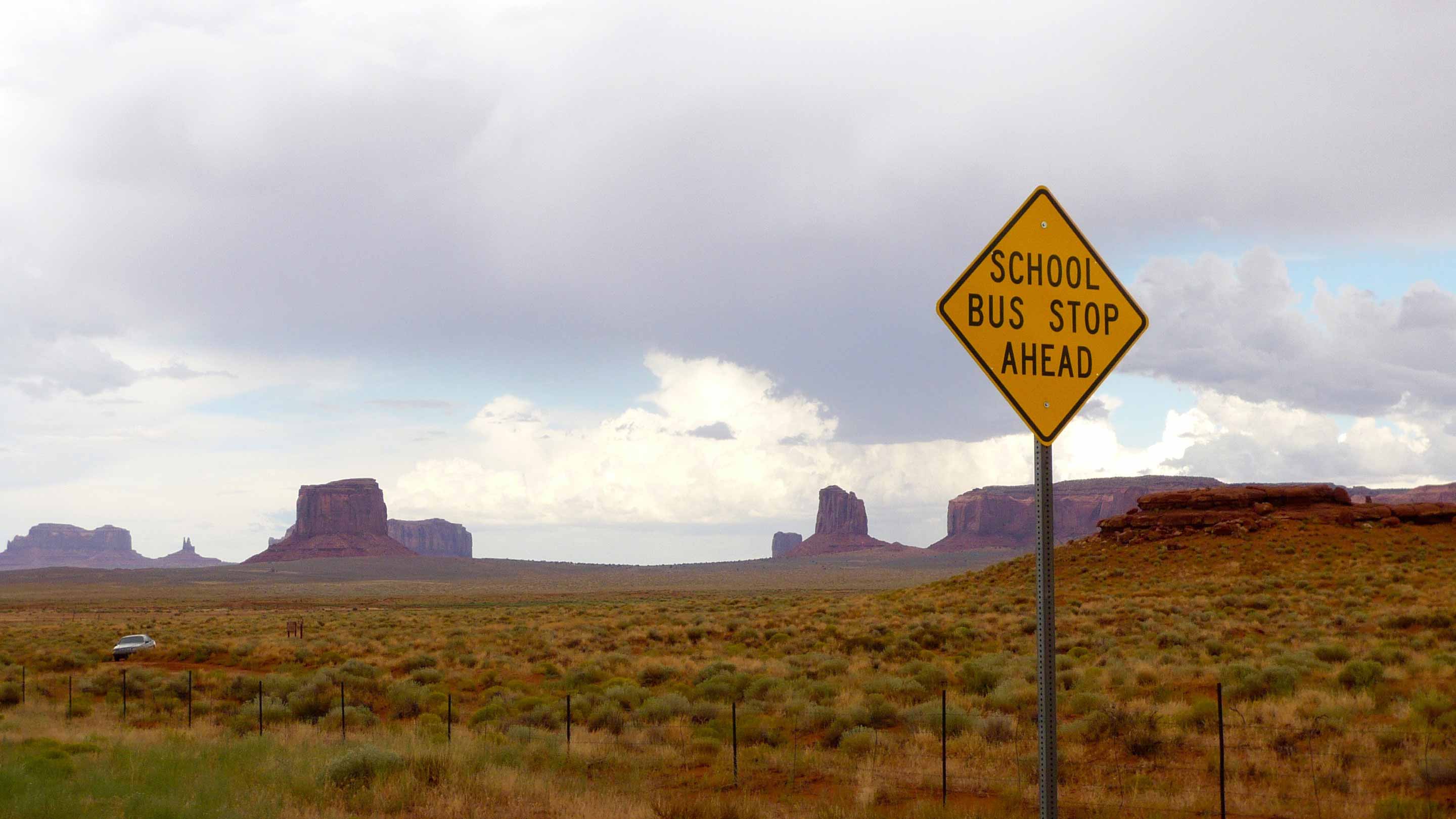
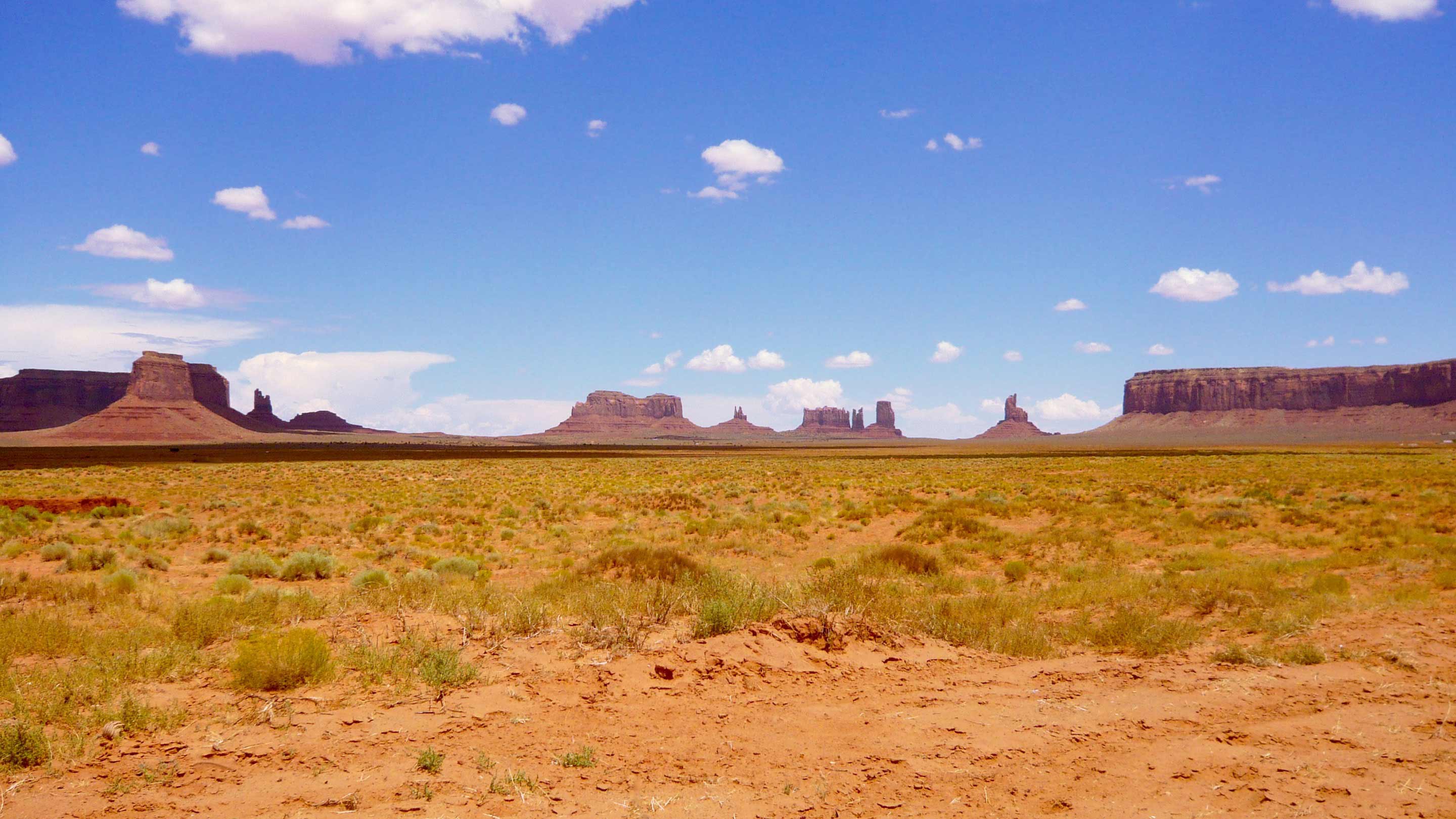
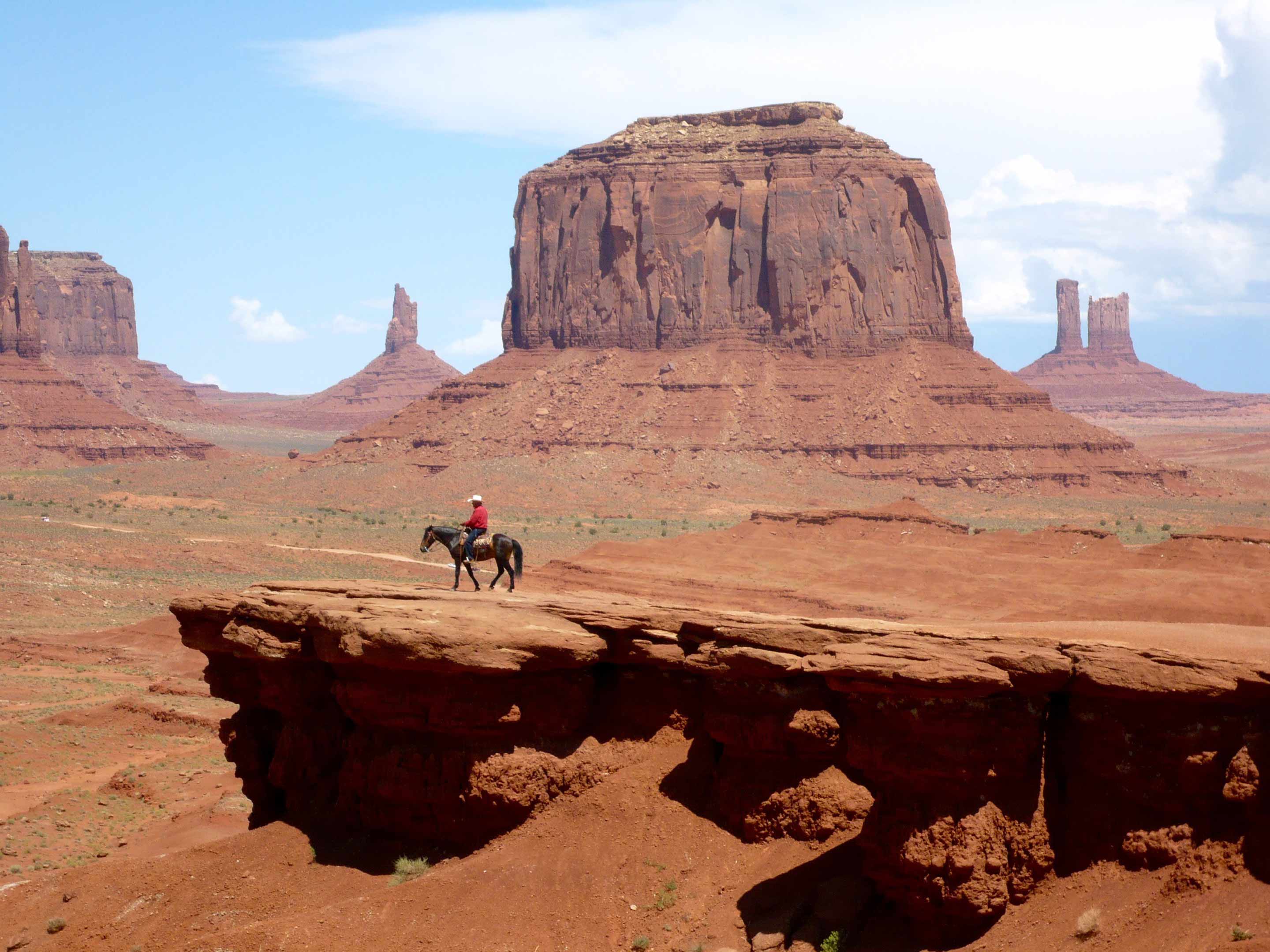
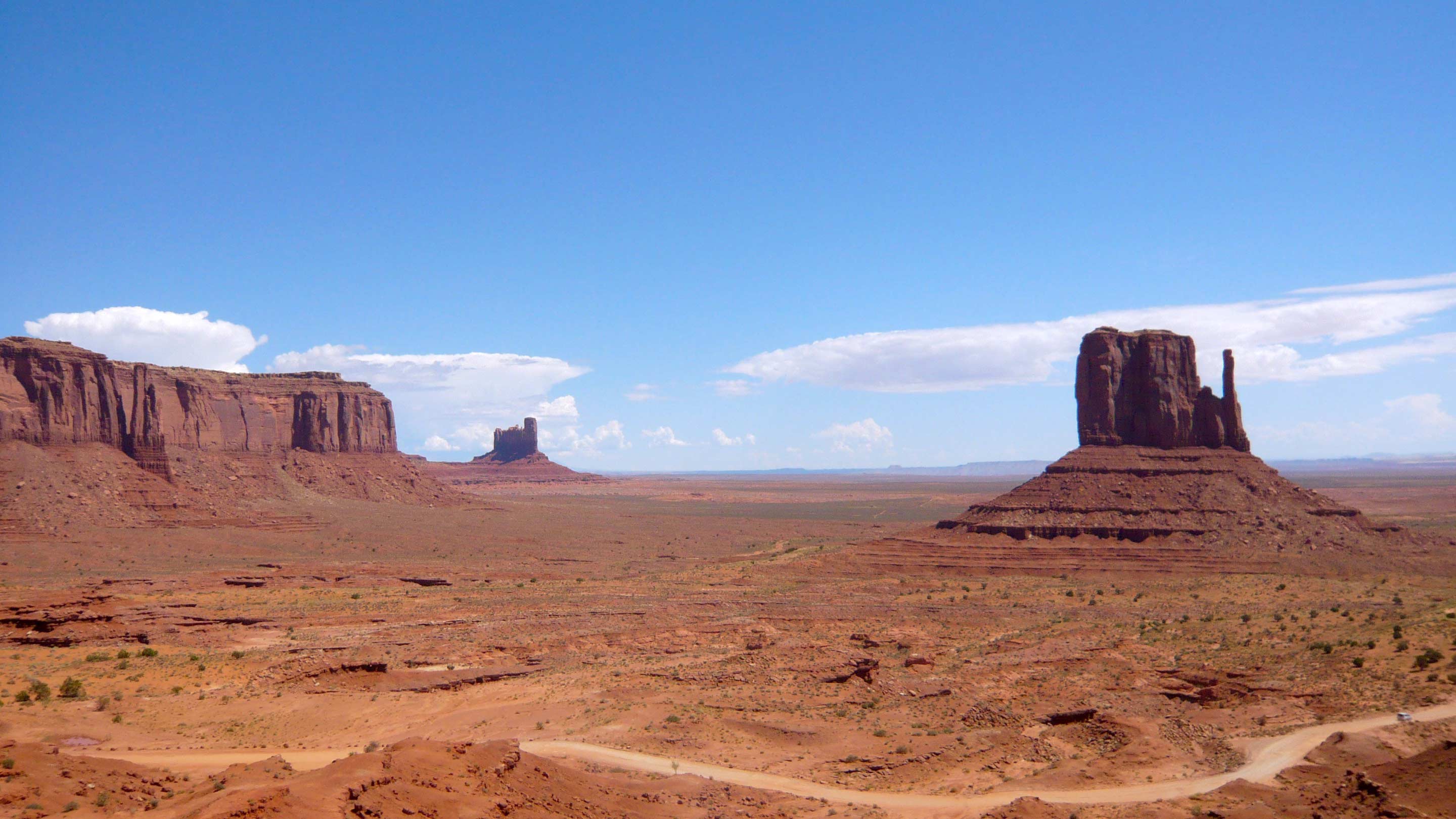
This post has several images attached to it. Each one uses a different Attachment Position. Each may be displayed differently depending on the skin they are viewed in.

Check out the photoblog (accessible through the links at the top) to see a completely different skin focused more on the photos than on the blog text.

Post with Images
Created by dave • Last edit by admin on 03/20/25 06:58 am • •

1 comment

Comment from: mary Member

Hi!

This is a sample comment that has been approved by default!
Admins and moderators can very quickly approve or reject comments from the collection dashboard.

02/19/25 @ 06:43 am

This post has 1 feedback awaiting moderation...


Form is loading...

Tags: demophoto

Search this manual:

Content Hierarchy

  • Introduction
  • Getting Started
    • Post with Images
    • Second post
  • User Guide
  • Reference

Recent Posts

  • Extended post
  • Post with Images
  • Mongolian Beef
  • Stuffed Peppers
  • Custom Fields Example
  • Another Custom Fields Example
  • Child Post Example
  • Extended post with no teaser
  • This is a multipage post
  • Featured post

Recent Comments

  • larry on Extended post
  • mary on Post with Images
  • kate on Mongolian Beef
  • kate on Stuffed Peppers
  • paul on Custom Fields Example
  • paul on Another Custom Fields Example
  • larry on Child Post Example
  • kate on Extended post with no teaser
  • admin on This is a multipage post
  • dave on Featured post
  • paul on Markdown examples
  • kate on Wiki Tables
  • admin on About widgets...
  • jay on About skins...
  • mary on First Post
  • admin on Apache optimization...
  • jay on Second post
  • admin on Chapter Intro

Sidebar 2

This is the "Sidebar 2" container. You can place any widget you like in here. In the evo toolbar at the top of this page, select "Customize", then "Blog Widgets".

Open-Source CMS

This collection ©2026 by David Miller • Contact • Help • CMS software

Cookies are required to enable core site functionality.